 Reelzavi ImageKit
01
Work your way
Resize proportionally by the longest edge without enlarging small images.
Photo resizing, compression and format conversion. No account required. Core processing and records stay on your device.
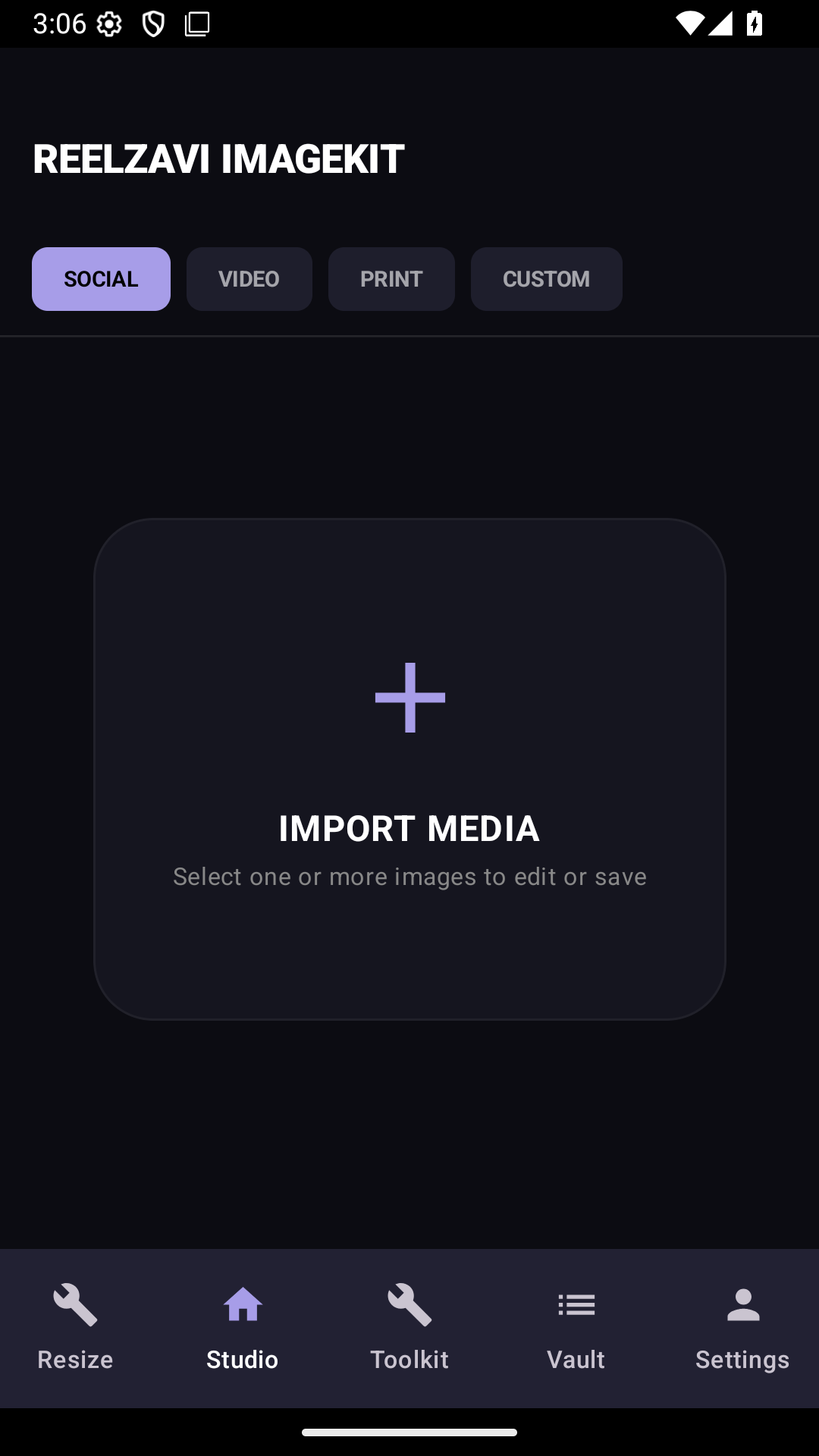
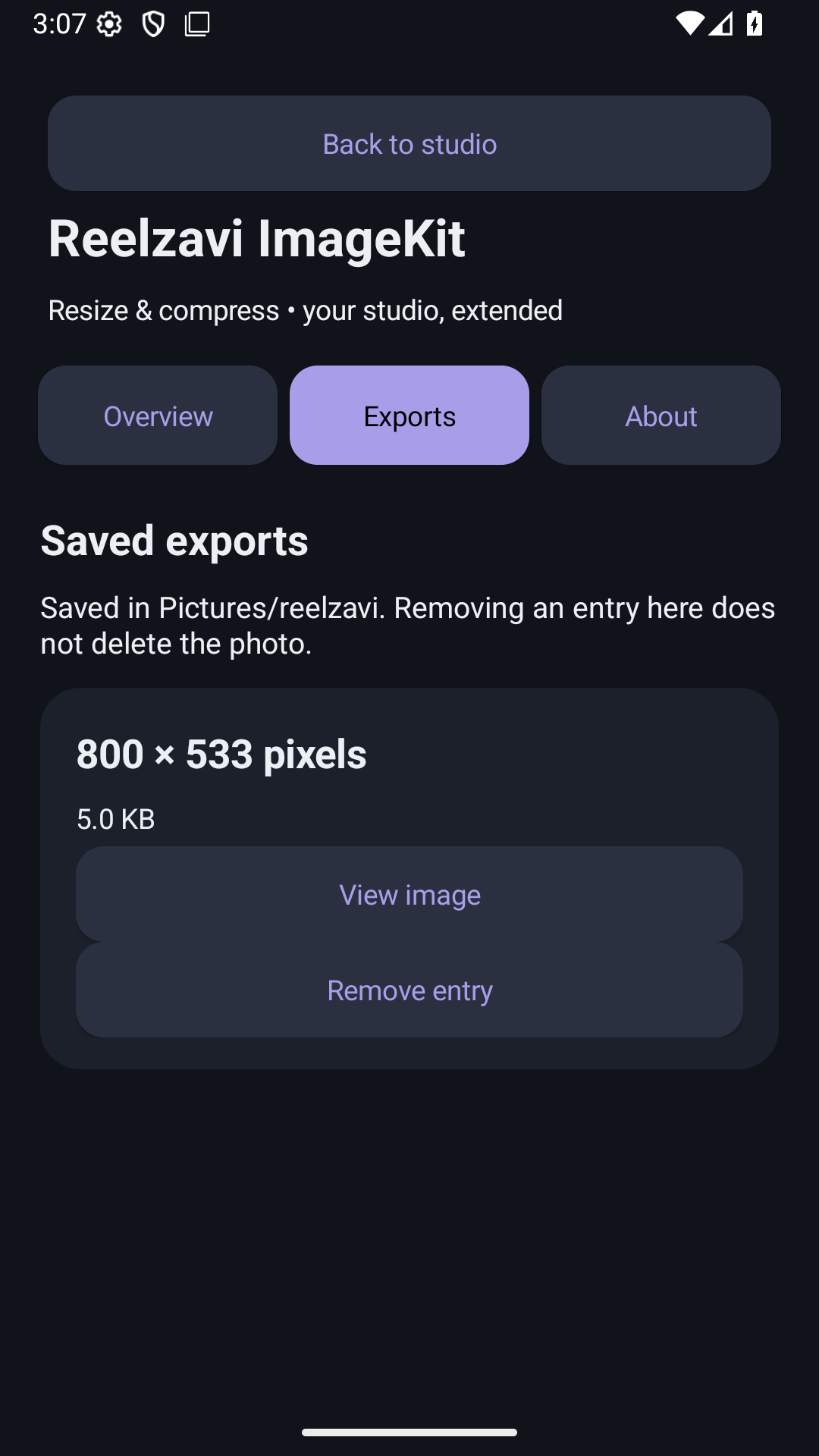
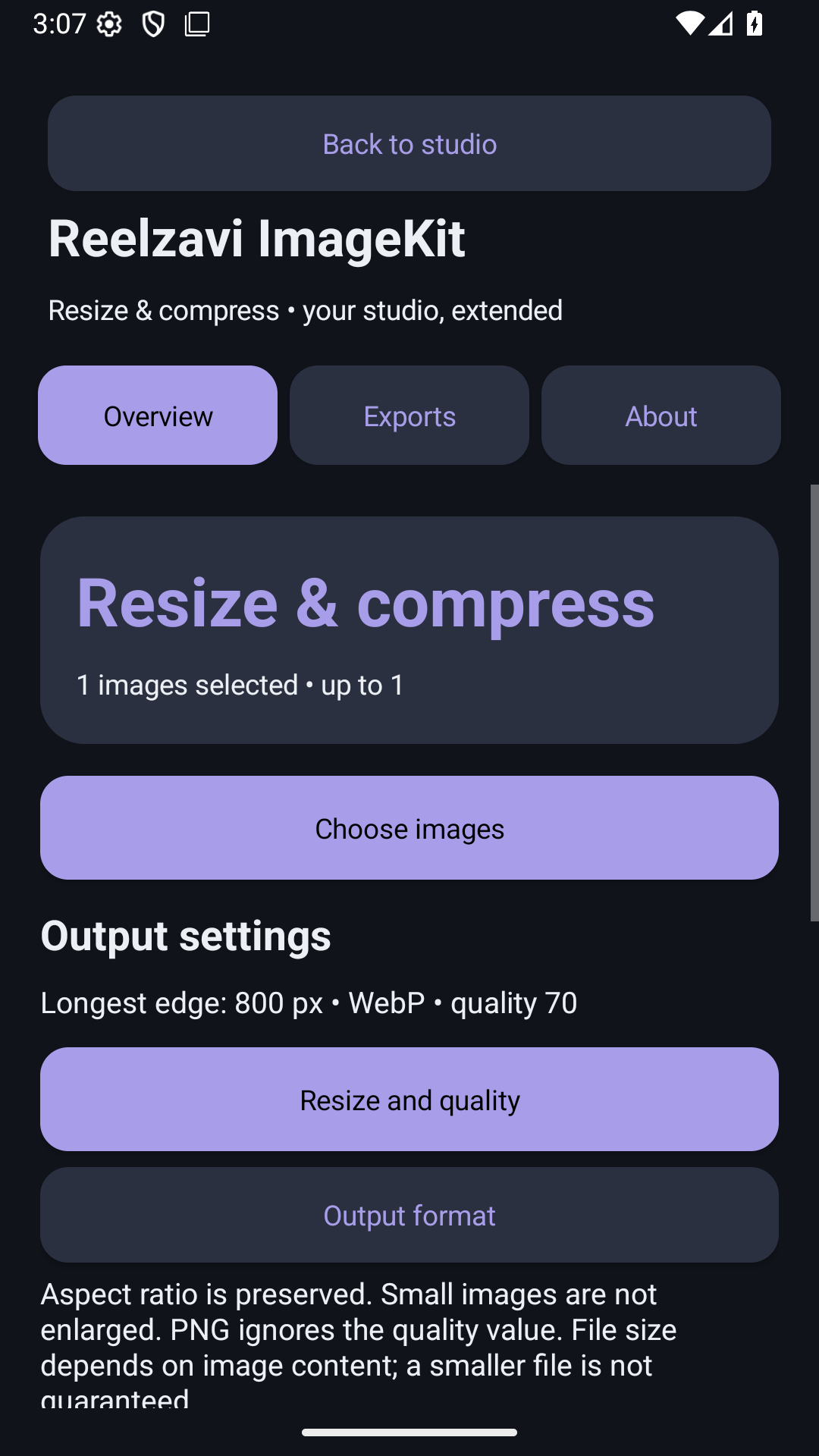
Focused features, clear controls and local records give you a simple workflow from start to finish.
Resize proportionally by the longest edge without enlarging small images.
Adjust JPEG and WebP quality, then convert between JPEG, PNG and WebP.
Access the integrated editor, mosaic tools, image slicer and local vault.
Reelzavi ImageKit keeps essential actions visible and stores core app data locally on your device.
No. This version has no sign-up or sign-in.
No. There is no cloud sync or backup service operated by the app.
This version has no integrated advertising, subscription or in-app purchase system.
Email abcd@gmail.com.
Explore what Reelzavi ImageKit can do for your everyday tasks.
Explore features